
How to install Choicer Voicer Dub Packs
Inspect pack structure, validate assets, and avoid unverified downloads.
Last verified: August 27, 2026
Verify the source
A download page should identify the creator and the permission to redistribute every included audio, video, and image asset. Do not treat an unknown upload as safe simply because its files open.
Inspect the package
Keep the original archive until validation is complete. Check that metadata, timestamps, captions, character labels, and referenced media use stable paths.
Test in isolation
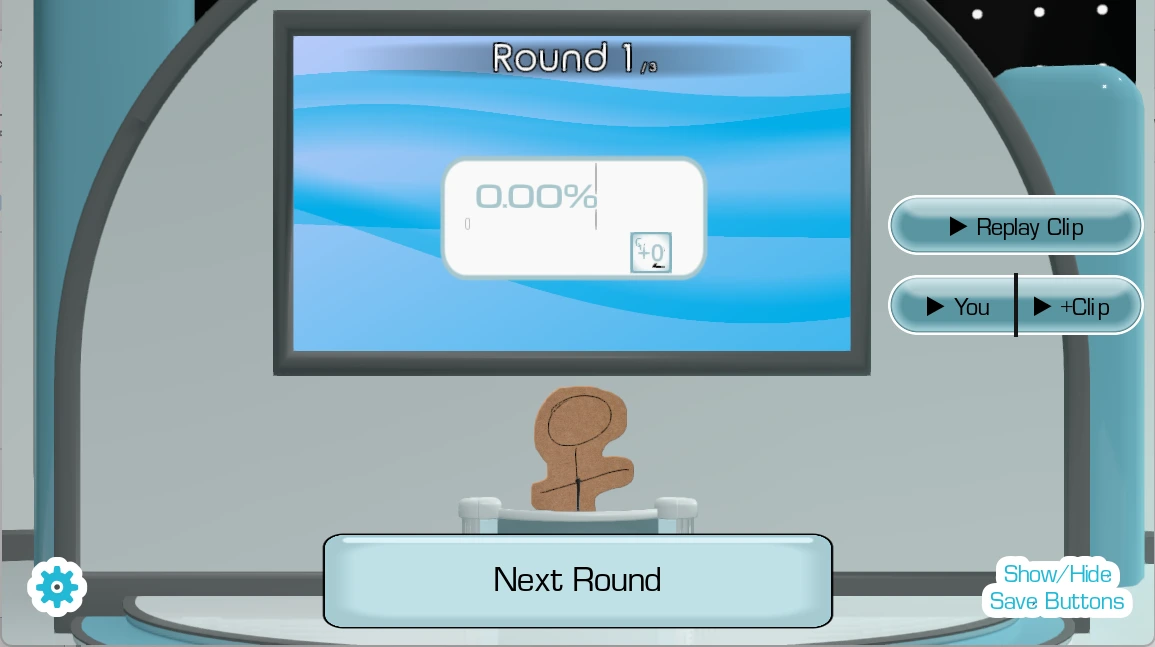
Try a new pack before a group session and keep a known working configuration available. Remove the pack if it produces missing assets, unusual network requests, or unexpected executable files.
Recognize a usable Pack
A usable Pack archive should contain ordinary media and metadata rather than an installer. Review the Pack detail page for its credited creator, original source, archive type, approximate size, and known clip information. A ZIP file can usually be selected directly; RAR or 7Z archives may need to be extracted to a folder first. Never run an executable that claims it is required only to add voice clips.
Load the files in the browser
Download the creator archive locally, keep the original copy, and use the Pack page loading control or the game's manual import control. Select the ZIP or extracted folder only when the browser asks. Validation should reject empty, unsupported, oversized, or unsafe paths. Leave the tab open while a large archive is checked and transferred to the embedded game.
Confirm it appears in the game
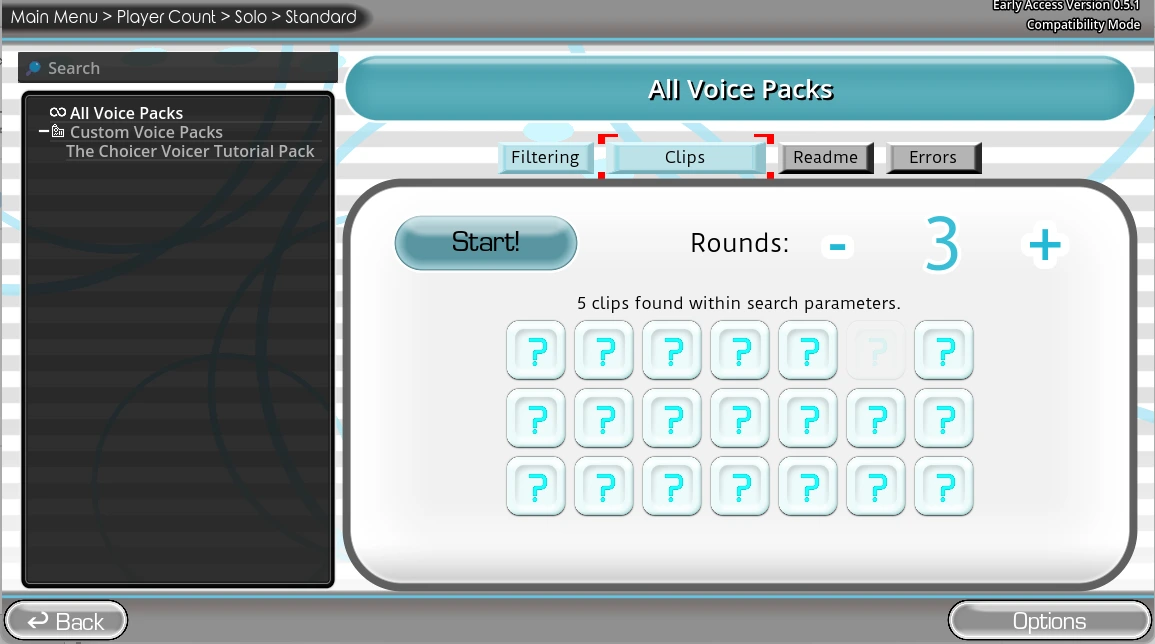
After validation, wait for the game bridge to finish loading and refresh the Custom Voice Packs list. Select the new Pack and test a short round before inviting other players. If the Pack does not appear, retry with the local archive rather than repeatedly downloading from an unstable third-party CDN.
Remove or recover a Pack
Browser storage can be cleared by privacy tools, private windows, quota limits, or a browser reset. Keep the original archive so the Pack can be restored. Remove a Pack if its source changes unexpectedly, files no longer match the listing, or playback produces missing and unsupported assets.
Diagnose an automatic download failure
A creator CDN may allow a normal browser download while rejecting a scripted cross-origin fetch. That is why Download Pack locally can succeed even when automatic loading reports Failed to fetch. Use the local-download button, keep the archive unchanged, then select the ZIP in the manual import section. Retrying the automatic route many times does not repair a missing CORS header or unstable source server. Check the archive size and wait for the browser download to finish before importing a partial file.
Verify the installed result
Do not assume success merely because the archive opened. Confirm the number of accepted audio files, wait for the game bridge, open Custom Voice Packs, and select the new Pack. Preview several prompts from different folders and check that the creator credit and title still identify the source. If only some files appear, compare their extensions and paths with the rejected-file message. Keep notes about the browser and Pack version so a future update can be distinguished from a local cache problem.
Are you ready for the next step?
Select each item you have completed. The links remain available, so the checklist never blocks play.
0 of 3 checkedUse the workflow the current site can verify.
This guide separates browser behavior, site tools, and the cross-domain game. It does not claim access to private iframe storage or an export capability that the browser has not reported.