Choose a community Pack
Browse credited releases, check the creator and source, then download and import the Pack locally.
Browse community Packs → CHOICER VOICERPLAY ONLINE
The Choicer Voicer is a free browser dubbing and voice-acting game. Listen to a scene, record your performance, replay the result, and change the session with 150+ community Packs—no download required.
Click Start Game and allow microphone access. Desktop Chrome or Edge gives the most reliable microphone and fullscreen controls.

Microphone permission is required for the full experience.
Answer three quick questions after a session. Your choices now produce a scored play-style card, and a completed game can add its real round average.
Your play-style reading, three measured traits, local history, and share-card controls appear as soon as every question has an answer.
This is an unofficial, just-for-fun reflection on your performance style—not a canonical ending or a judgment of voice skill. Persona history stays on this device.
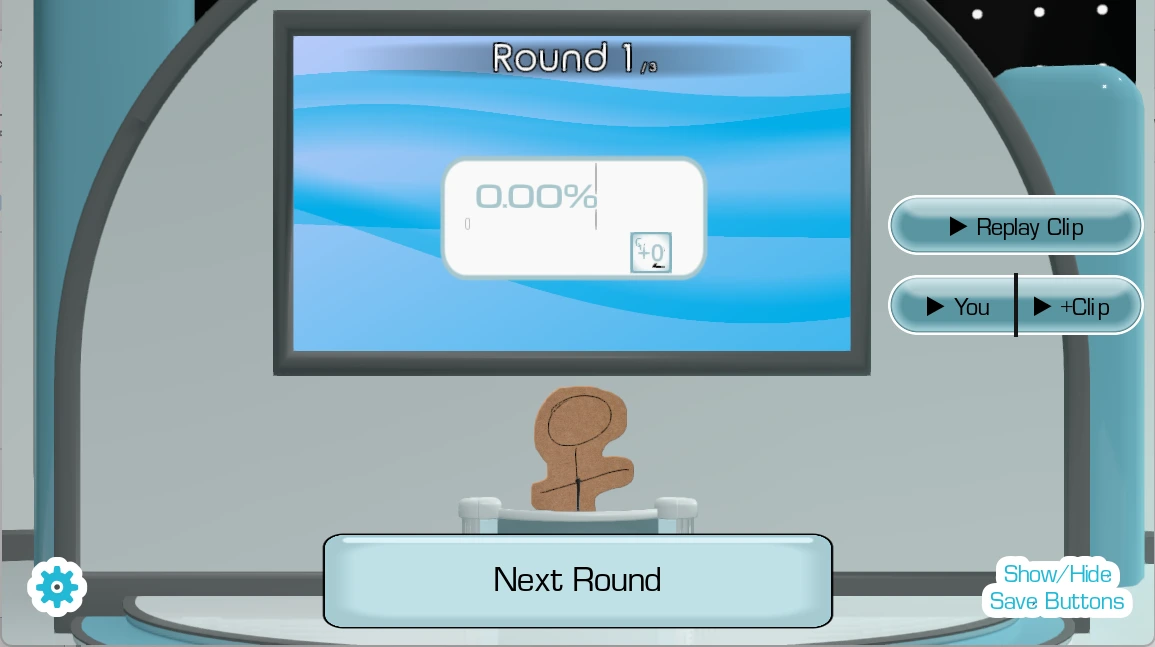
The Choicer Voicer turns short scenes into a voice-performance game. The original spoken line becomes a prompt: you listen for its timing and mood, choose a delivery, then use your microphone to record a replacement. Playback puts the new performance back into the round, making timing, confidence, character choices, and unexpected mistakes part of the result.
Community Packs add different scenes and voices to Dub Mode. You can browse credited third-party Packs or create a local Pack from media you are permitted to use. The same session can work as a solo performance, a pass-the-microphone party round, or local play with friends. The browser page keeps the game, Pack library, microphone help, and creation tools connected without claiming an online multiplayer mode that the embedded game does not provide.
Open a Pack page to check its creator, source, category, reviewed audio count, and browser loading options.
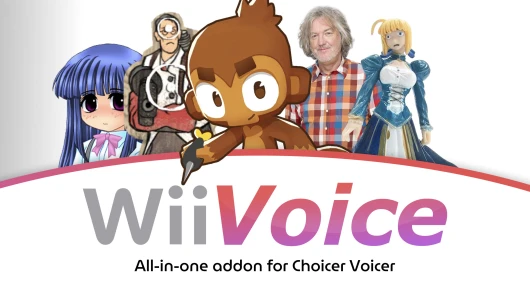 Compilation · by EmiruFinWiiVoice543 audio files
 Cartoon · by AlyenOllieSmiling Friends Pack - THE FINAL UPDATE196 audio files
 Meme · by Community uploadEXTREME BRAINROT AND OTHER MEMES64 audio files
 Game · by Community uploadThe Big Valve Pack1034 audio files
 Cartoon · by Community uploadENA Pack - Dub Mode Update168 audio files
 Game · by Community uploadA Minecraft Movie Pack38 audio files
Choose the input you want to use and give the browser permission. Headphones help prevent echo.
Follow each voice prompt and deliver the line into your mic. Timing and confidence make the round.
Play back the take, enjoy the judgment, and pass the mic for another round or a fresh mode.
The Choicer Voicer turns a familiar device into the whole stage. Every prompt asks the player to listen, interpret, perform, and then live with the playback. A perfect impression is welcome, but a wildly committed miss can be even more memorable.
That simple loop makes the game easy to understand across a room. New players can watch one turn and know what to do; returning players can change the mood with voice packs, local multiplayer, and Dub Mode. The format rewards repeat sessions because different voices create different outcomes.
Use a comfortable volume, take breaks, and only record or share people who have agreed to it.
A Pack supplies a different set of voice prompts or scene material for a Choicer Voicer session.
Browse credited releases, check the creator and source, then download and import the Pack locally.
Browse community Packs →Keep the original archive, validate its supported audio files, and load it into this browser.
Read the installation guide →Use permitted local video or audio, choose the spoken moments, and render a personal Pack on this device.
Open the custom Pack workbench →Two supplied videos show the voice-led rhythm, presentation, and chaotic energy before you go live.
The fastest route into The Choicer Voicer is simple: prepare a microphone, open the free browser player, and commit to the first prompt. A little setup turns a technical test into a room full of people immediately understanding the joke.
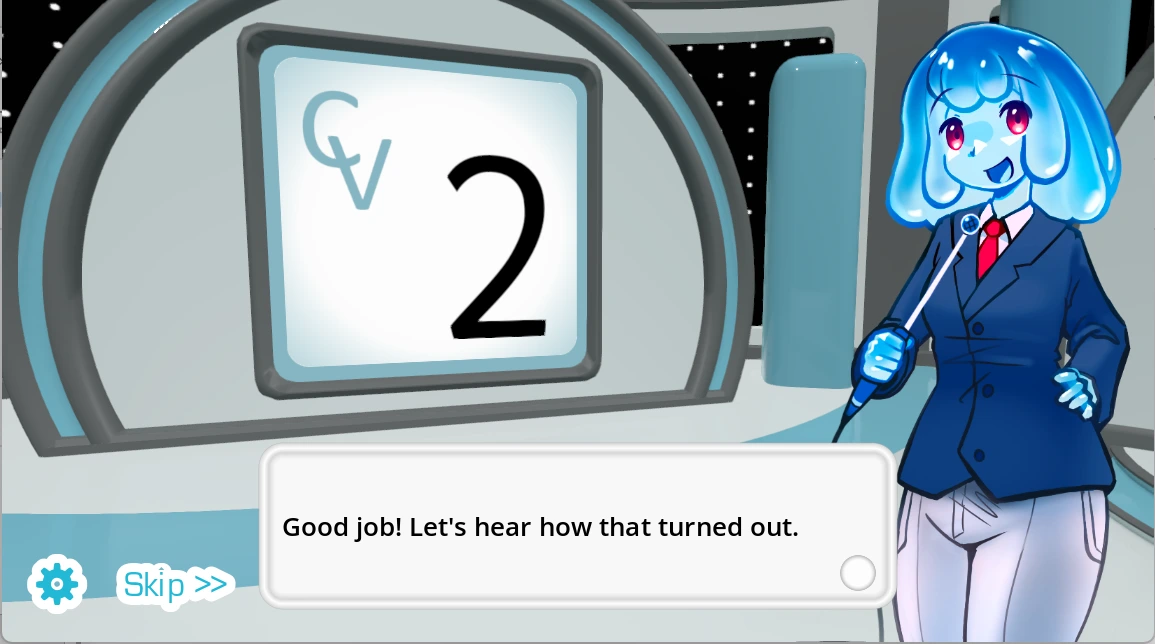
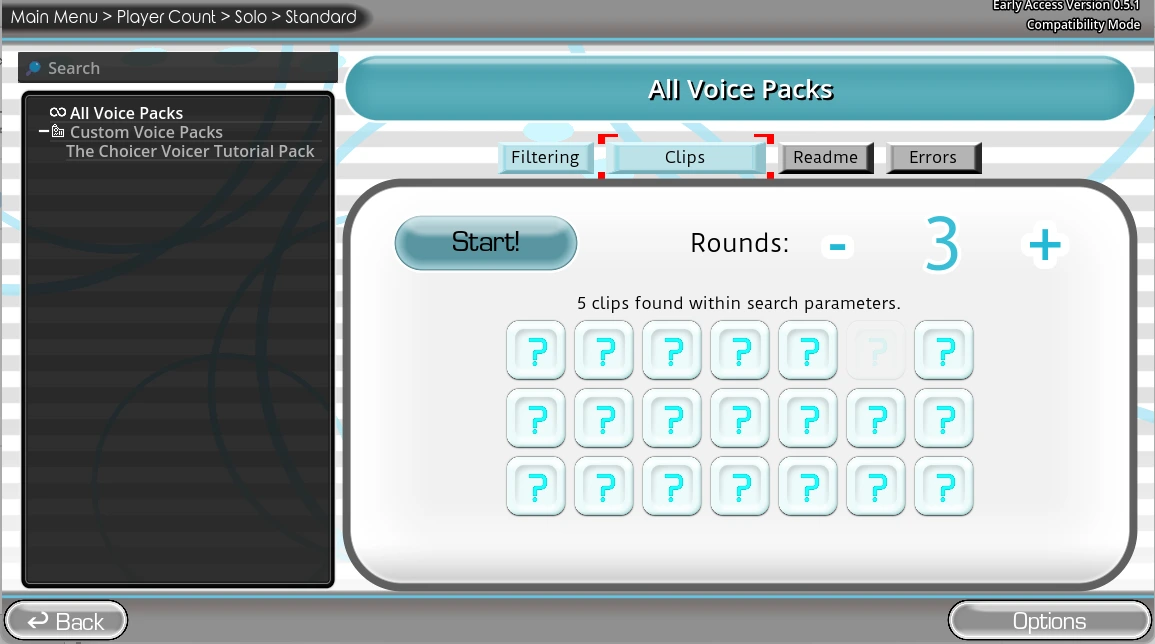
Connect the microphone or headset you intend to use before opening the player. Computers often remember several inputs, so the default may be a webcam, monitor, controller, or disconnected headset. Open the system sound panel, speak at a normal volume, and confirm that its meter moves. You do not need studio equipment; a clear headset or laptop microphone works in a quiet room. When the browser requests access, allow it only for a source you trust. If no prompt appears, inspect the permission icon beside the address bar. Reload after changing a device or permission so the embedded game can request a fresh stream. Headphones help prevent playback from entering the microphone and creating echo.
The goal is not limited to producing a technically perfect impression. Each round asks you to notice a prompt, choose a delivery, and perform before caution drains away the energy. Give the line a clear beginning and end. Change pace, pitch, emphasis, or character when the prompt suggests it. Let the room hear the complete playback before discussing the result; the contrast between intention and recording is often the best part. Protect your voice while playing. Loudness is not the same as commitment, and shouting into a close microphone can be uncomfortable for everyone. Move farther away for louder characters, keep water nearby, and stop if your throat feels strained.
Published project information describes local play for up to four players. Decide the speaking order before the first round and keep the active player close to the microphone. Pass a headset carefully or use a desk microphone everyone can reach. Avoid talking over a performance unless the mode invites it, because background voices can affect recording and playback. New players learn fastest by watching one complete turn. Explain the loop in one sentence—listen, perform, hear the result—then begin. Long rule explanations weaken the surprise. If someone does not want their voice recorded or replayed, respect that choice and offer a spectator or host role.
Voice packs change the prompts available to a session, while Dub Mode emphasizes sustained voiceover timing against scenes. Both extend replay value because the same group reacts differently to new material. Use packs you created, licensed, or have permission to use. A file existing online does not automatically grant permission to redistribute its audio, video, characters, or dialogue. Dub Mode benefits from a short rehearsal. Watch a scene once, note its emotional changes, and decide who handles each character. On the next pass, aim for timing and continuity instead of stopping to perfect every word. A result feels more alive when performers respond to one another and accept small mistakes as part of the take.
If the player does not load, open the game in a new tab with the control beneath the frame. This separates an iframe problem from a source problem. Confirm JavaScript is enabled and try a current desktop version of Chrome or Edge. Managed school or work devices may block microphone permission by policy. If the picture appears but input does not work, close conferencing, recording, and streaming apps that may hold the device. Confirm the browser uses the intended input, check that system privacy settings allow browser microphone access, and reload. Bluetooth headsets can switch between music and call modes; a wired headset often gives a more predictable signal.
The website adapts to phones and tablets, but embedded-game input, microphone permission, keyboard assumptions, and fullscreen behavior vary by mobile browser. Keep the device in the orientation that provides the largest game area, close other audio apps, and expect audio to pause when switching tabs or locking the screen. Desktop remains recommended because it offers more room, stable focus, visible permission controls, and easier input selection. If mobile interaction feels cramped, use the new-tab fallback or return on a computer rather than repeatedly changing settings. The page retains large touch targets and readable text, but it cannot change the controls inside the cross-domain game itself.
A second run becomes more interesting when the group changes one variable. Swap performers, choose a different voice, focus on timing, or make one round deliberately understated after an exaggerated take. Comparing approaches gives the session a social rhythm that one score cannot capture. Treat automated judgment as playful feedback rather than an objective assessment of acting skill, accent, identity, or talent. After a session, continue with another game from the shared shelf instead of letting the visit end at the iframe. Those cards use the same layout on the homepage and play page, making another browser experience easy to find without distracting from the main game.
A voice can identify a person and reveal more than a typed nickname. Tell everyone when audio is being captured, explain where it will be played, and ask again before sharing a clip outside the room. Never record someone who has declined or pressure a player to publish an embarrassing take. After scoring, the iframe can pass the latest take to this page for temporary local playback and download; the site does not upload that audio. The privacy policy explains the separation between the parent website, game iframe, analytics provider, and YouTube embeds. Review it before granting access when you need a precise account of which service handles each part of a visit.
Microphone setup, browser support, privacy, and common ways to get back on air.
Yes. This fan-made portal provides a free browser entry to the supplied web build. No account or download is required to start.
Yes. Voice performance is central to the experience. Your browser will ask for permission when the game needs the microphone.
A current desktop version of Chrome or Edge offers the most reliable microphone and fullscreen behavior. Firefox may work, but results can vary.
The site adapts to mobile screens, but the game and microphone flow are best treated as experimental on mobile. Desktop play is recommended.
No. ChoicerVoicer.site is an independent browser-game portal and is not affiliated with or endorsed by the developer of The Choicer Voicer.
Check the browser site permission, operating-system privacy settings, selected input device, and whether another app is already using the microphone.
Dub Mode is a voiceover-focused way to perform over scenes. Timing, delivery, and commitment are part of the fun.
Published project information describes local play for up to four players. Online multiplayer is not currently presented as an available feature.
Open a focused workspace after you understand the game, Packs, and session flow.
Import local video, preview it, mark a strong section, balance playback, and prepare captions.
Open studio02Clip MakerTry vertical, square, and landscape layouts with editable hooks and caption styling.
Make a clip03ChallengesAdd local players, track scores, and make the next performer visible without modifying the game.
Start a board04Custom PackChoose spoken moments from permitted media and render a Pack locally.
Create a PackChoose another browser game without leaving the studio. The current game stays in the shelf.


