
How to play The Choicer Voicer online
Start the browser game, grant microphone access, and understand the listen, record, replay, and Pack workflow.
Last verified: August 27, 2026
What The Choicer Voicer asks you to do
The Choicer Voicer is a browser dubbing and voice-performance game. A round presents material to listen to, gives the active player a chance to perform into the microphone, and plays the result back. You do not need voice-acting experience: timing, a clear beginning and ending, and a committed character choice are enough to make the first round understandable.
Before you start
Connect the microphone you intend to use before opening the game. A current desktop version of Chrome or Edge provides the clearest permission controls. Headphones reduce echo, while a quiet room makes playback easier to understand. Speak at a normal volume in the system sound panel and make sure the correct input meter moves.
Start the browser game
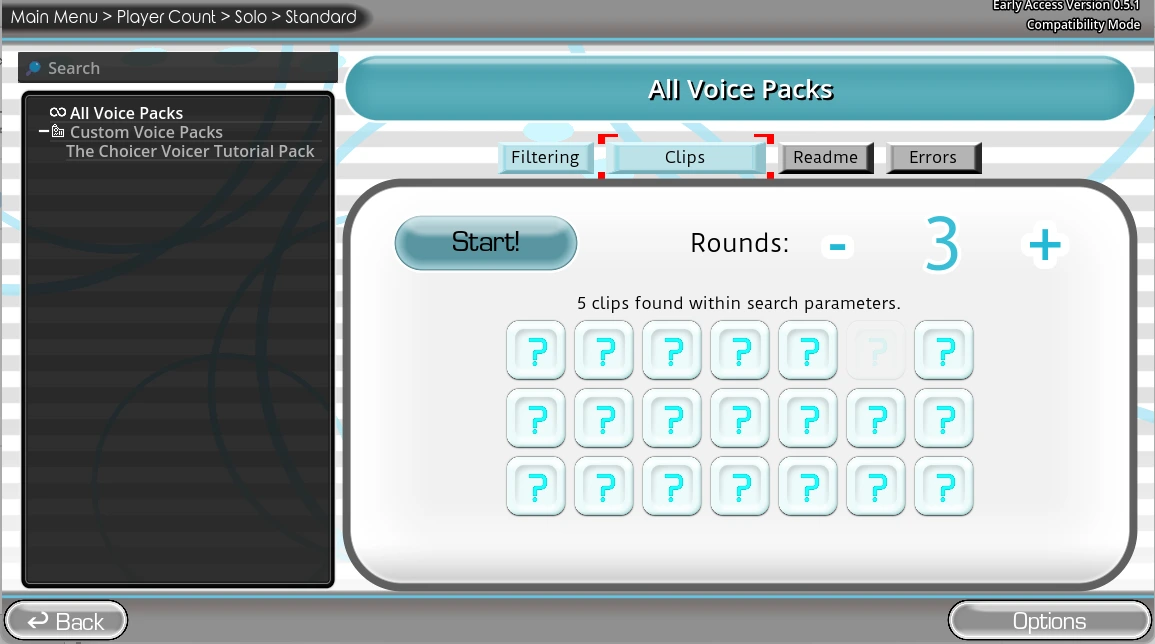
Use Play Now on the homepage, choose Start Game on the cover, and allow microphone permission when the browser asks. Click inside the iframe before using game controls. If the game remains silent after permission changes, reload the page so the embedded game can request a fresh audio stream.
Listen, record, and replay
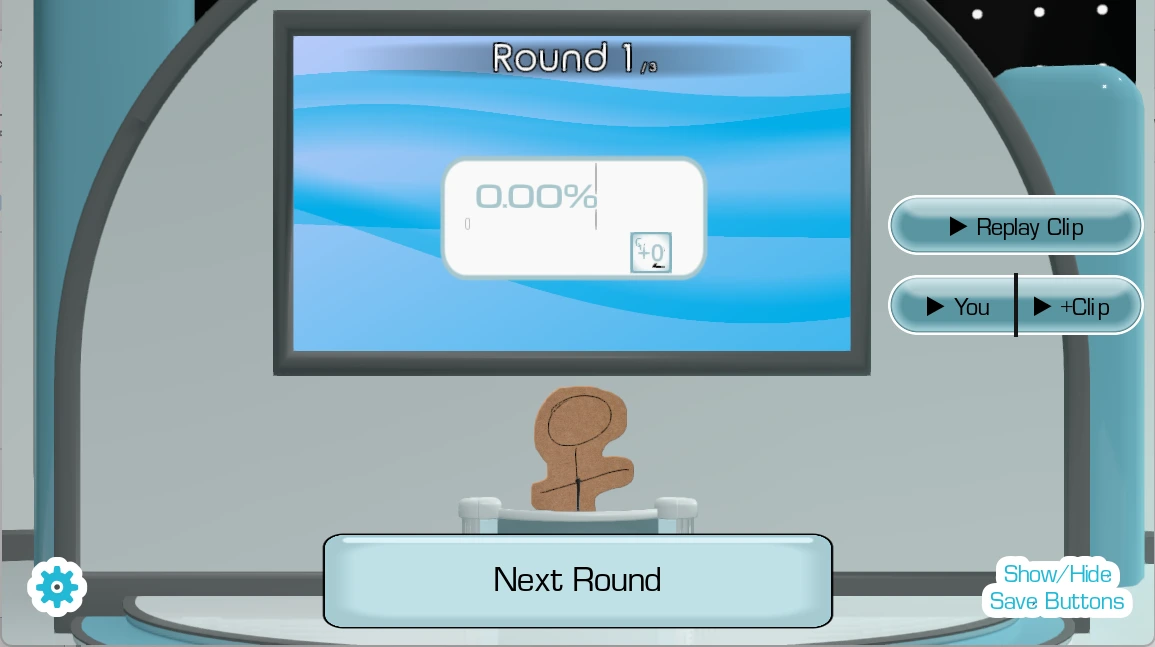
Let the prompt finish, decide on a voice or delivery, then record one complete take. Wait for the replay before changing settings. Use the result as playful feedback rather than an objective measure of accent, identity, or acting ability. A second take is easiest to compare when you change only one variable, such as pace, pitch, emphasis, or character.
Use Packs and Dub Mode
Community Packs provide different playable material and list the known creator and source on their detail pages. A custom Pack can be made locally from media you are permitted to process. Dub Mode benefits from watching the scene once, assigning characters, rehearsing timing once, then performing a complete pass instead of stopping after every imperfect line.
Keep a local group moving
Show a new player one complete turn instead of explaining every option. Announce who performs next, keep the active speaker near the selected microphone, and agree before recording or sharing anyone's voice. Published project information describes local play for up to four players; this site does not present online multiplayer inside the embedded game as an available feature.
Common first-session fixes
If the image loads but the microphone does not, check the address-bar permission, operating-system privacy access, selected device, and apps such as Discord, OBS, or conferencing tools that may already hold the microphone. If the iframe itself fails, use its open-in-new-tab control to separate a frame problem from a game-host problem.
Read the result without chasing one score
A result is most useful when it gives the next performer one clear experiment. Compare timing, clarity, energy, and whether the voice choice remained consistent. Retry with only one change: speak earlier, leave a cleaner ending, reduce background noise, or choose a more distinct character. Do not treat a playful automated score as an assessment of accent, identity, acting talent, or personal worth. In a group, let the performer hear the complete replay before comments begin, then ask what they want to change on the next take.
Move from the first round to another scene
After one successful microphone round, open a credited community Pack and check its creator, source, known characters, line count, and pace. A short Pack is useful for confirming that installation and playback work; a larger compilation is better after the room understands the controls. If the group wants a continuous scene, continue to the Dub Mode guide. If the microphone becomes silent after changing modes or devices, stop the game, run the site microphone test, and return only after the input meter responds.
Are you ready for the next step?
Select each item you have completed. The links remain available, so the checklist never blocks play.
0 of 3 checkedUse the workflow the current site can verify.
This guide separates browser behavior, site tools, and the cross-domain game. It does not claim access to private iframe storage or an export capability that the browser has not reported.